
Worksheet Generator: printable reading practice for dyslexia
Paste any text. Split it into words or syllables. Print a clean grid for home or classroom practice. Pen and paper still beats screen for many readers.
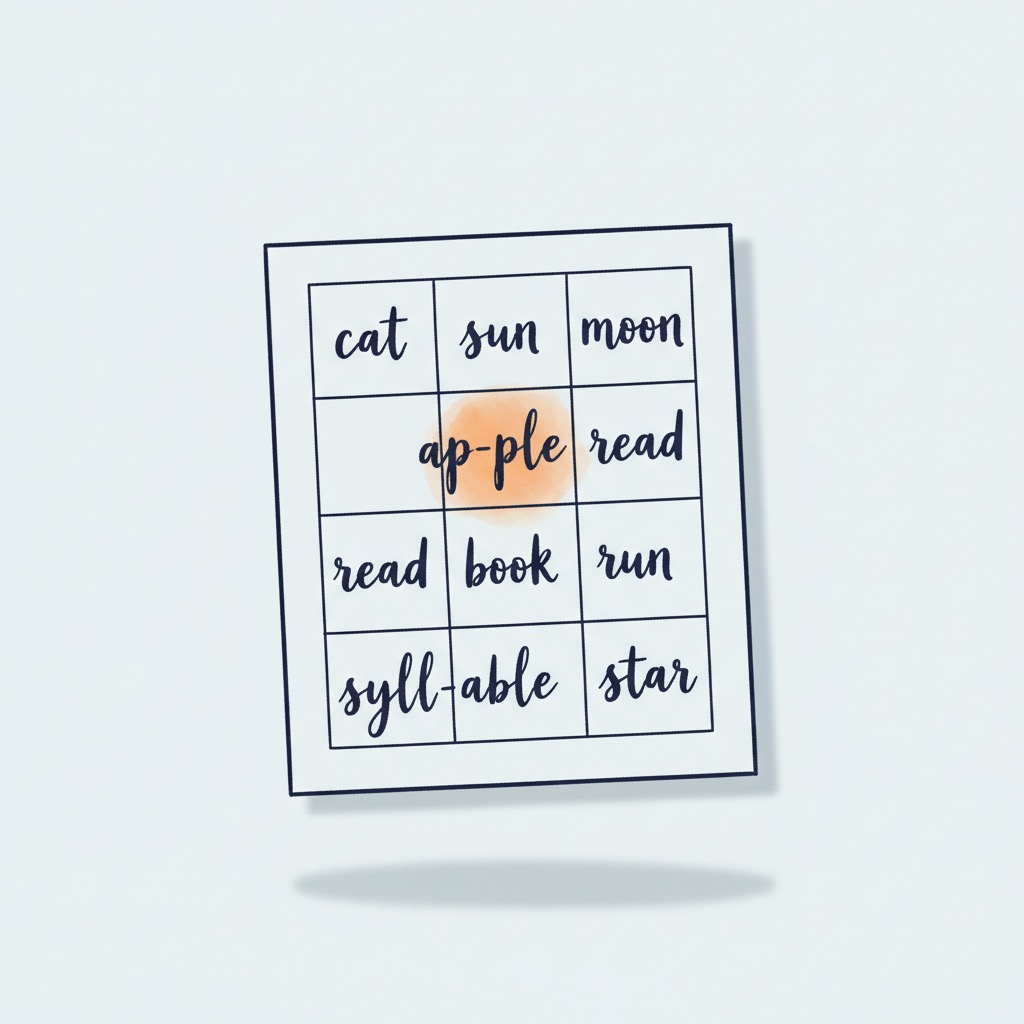
Why printable practice still matters
Screens are everywhere, and reading apps come with progress bars, animations, and reward sounds. They have their place. But for early reading practice, paper still has advantages screen interfaces struggle to match. The eye does not fight glare. The finger can underline. The pen can circle a syllable that surprised the reader. None of those small gestures translate cleanly to a tablet.
Printable practice also gives the brain a different kind of focus. A paper sheet sits in front of the reader without notifications, without taps, without the mental cost of staying inside one app. For a dyslexic reader who already pays a tax to decode each word, removing every other source of friction is a real gain.
The third advantage is portability. A practice sheet folds into a backpack. A teacher can hand twenty copies to a class without worrying about device access or screen time policies. A grandparent visiting for the weekend can sit on the floor with a child and a printed sheet, and that is a different kind of moment than handing over a phone.
The Kindlexy Worksheet Generator does not try to replace digital practice. It complements it. Word split helps fluency, syllable split helps early decoding, and the printed grid format respects how children and teachers actually work with paper. Research on multisensory reading instruction, summarized in the [structured literacy guide](/blog/structured-literacy-for-parents), shows that combining paper based practice with phonological awareness work supports decoding more effectively than digital only routines.
How to use the Worksheet Generator
- 1
Paste your text
A short reading, a word list, or a vocabulary set. The shorter and more focused the text, the more effective the practice sheet.
- 2
Choose word or syllable split
Word split for fluency and recognition practice. Syllable split for early decoding, phonological awareness, and chunking long words.
- 3
Preview and adjust the grid
Adjust columns, font size, and spacing to match the reader. Younger children read better with larger fonts and fewer columns per row.
- 4
Print or save as PDF
Print directly for paper practice, or save as PDF to share with a teacher, send to a tutor, or store for repeat use.
Three ways parents and teachers use the generator
An early reader, age six, syllable practice
A short list of three syllable words pasted in, syllable split selected, large font, three columns. The sheet becomes a quiet ten minute practice on the kitchen table. The child circles the syllables they can read, and the parent reads aloud the ones that need help.
A teacher with twenty five students
A passage from this week's reading lesson is pasted in, word split, smaller font, more columns to fit the page. One generation produces one PDF. The teacher prints twenty five copies, hands them out, and the class works through the sheet together while the teacher pulls aside the two students who need closer support.
A parent supporting fluency at home
A short paragraph from the child's favorite book, word split, set up for a five minute timed read. The parent and child run through the sheet, mark the words that took a beat too long, and come back to those tomorrow. Small, consistent practice is what builds fluency over months.
Frequently asked questions
+What does the Worksheet Generator do?
+Is the Worksheet Generator free?
+Where does my text go when I paste it?
+What ages are these worksheets best for?
+Can teachers use these worksheets in class?
+Does it work on phones and tablets?
+What paper size does it use?
+Are more worksheet types coming?
Continue reading
Structured literacy: an evidence based reading approach
The six components of the reading method most strongly backed by research, including phonological awareness practice.
Daily ways to support a dyslexic child at home
Small daily practices that fit into a normal family routine, including paper based reading practice.
What is dyslexia? What every family should know
A calm, evidence based introduction to dyslexia for parents who are just starting.
Reading Tool
Read any text on screen with adjustable font, spacing, and line tracking. Pairs naturally with paper practice.
Sources
- International Dyslexia Association — dyslexiaida.org
- NICHD — Reading and dyslexia research summaries
- Peer reviewed studies on multisensory reading instruction and phonological awareness