
Free · Private · In your browser

Fraction Visualizer

A fraction is just part of a whole, but written as numbers it can feel like an abstract puzzle. This tool shows your child the picture behind the number: a fraction as a slice of a pie, the same fraction as a bar, and two fractions side by side so they can see which is bigger. A calm, visual way to make fractions click.
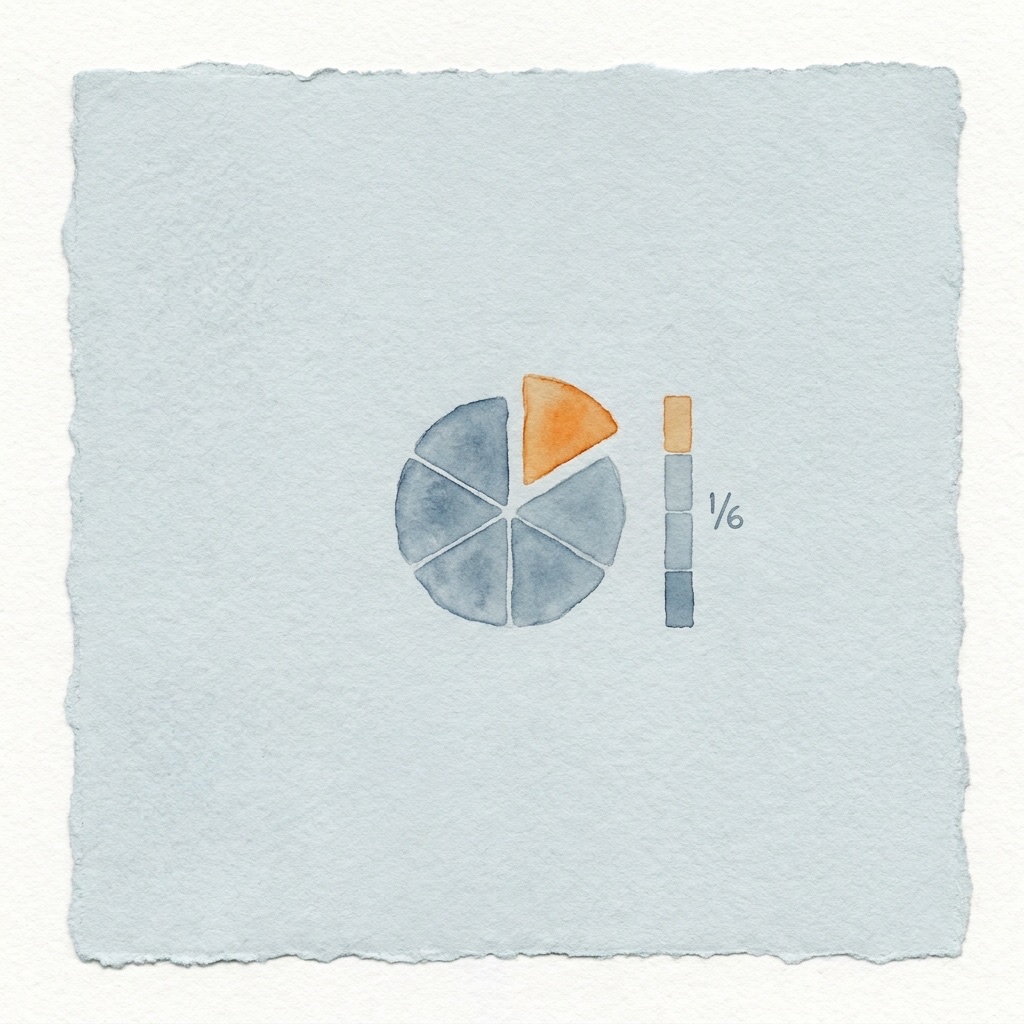
Fraction Visualizer illustration: a pie divided into six slices with one slice highlighted in orange, next to a bar split into equal parts showing the same fraction
Fraction Visualizer

Set each fraction, see it as a pie and a bar, then compare the two.

Fraction A
1
Shaded
2
Parts
Fraction B
1
Shaded
4
Parts
Compare
12>14

Fraction A is greater than Fraction B

Print a fraction sheet

Blank pies and bars to shade in by hand.

What the Fraction Visualizer does

A fraction names a part of a whole, but the numbers on their own do not show that. For a child who finds it hard to picture fractions, one third can feel like a rule to memorize rather than a real amount. Seeing the part filled in against the whole, as a slice of a pie and as a length on a bar, gives the number a shape, and the idea stops being a guess. This is not about being bad at math, it is about being shown the picture.

The Fraction Visualizer lets your child choose a fraction and watch it appear as a pie and as a bar, then place two fractions next to each other to compare them. It is a concrete, visual way to build a feel for fractions before the worksheets begin. From kindlexy.com.

How it works

  1. 1

    Choose a fraction

    Pick a fraction like one half or two thirds, and set how many parts the whole is split into.

  2. 2

    See it as a pie

    The whole appears as a circle split into equal slices, with your fraction filled in, so the part against the whole is easy to see.

  3. 3

    See the same fraction as a bar

    The same fraction shows as a length along a bar, a second picture that helps the amount sink in.

  4. 4

    Compare two fractions

    Put two fractions side by side and see at a glance which is bigger, no abstract rules needed.

Frequently asked questions

+

What does the Fraction Visualizer do?

It turns a fraction into a picture your child can see. Pick a fraction and watch it appear as a slice of a pie, the part filled in against the whole, then as the same fraction shown on a bar. You can place two fractions side by side to compare which is bigger. It makes the idea behind the numbers concrete instead of abstract.
+

Is it free?

Yes. Free, no signup, no account, and no usage limits. It runs right in your browser, and nothing your child does leaves your device.
+

Why does a visual model help children with dyscalculia?

Fractions are one of the first places math turns abstract, and a number like one quarter can feel like a code with no meaning behind it. A child who struggles to picture fractions is not bad at math and not lazy, the picture just has not been shown yet. Seeing the part filled against the whole, as a pie and a bar, gives the number something real to hold onto, so the idea finally clicks.
+

What age is it for?

It works for a wide range, roughly six to eleven. Younger children can start with simple halves and quarters as pies, while older children can compare two fractions and notice how the parts line up.
+

Is this a diagnosis tool?

No. It is a learning aid for home use. It does not diagnose or treat dyscalculia, and finding fractions hard on its own is a common part of learning. If you have ongoing concerns about your child's math, speak with a qualified specialist.

Available now