
Free Dyslexia Apps & Tools
Tools designed for children who learn differently, whether the challenge is dyslexia, dyscalculia, or hyperlexia. Each one is crafted to make reading, numbers, or daily routines a little easier, calmer, and more enjoyable. All free, all in your browser, no account needed.
Choose the right tool for the moment
A child has a long school passage to read
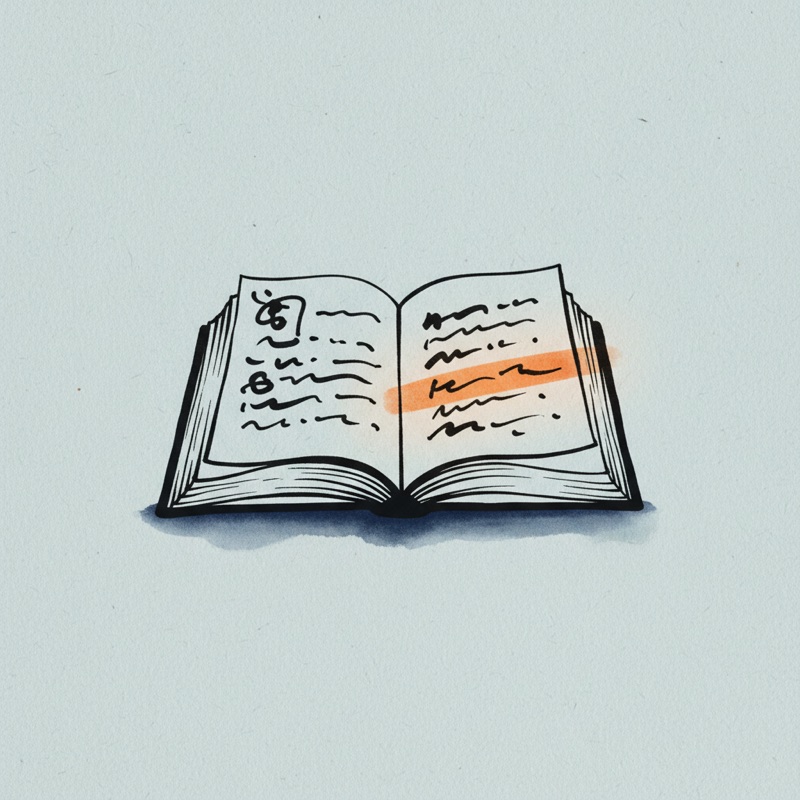
Open the Reading Tool, paste the passage, increase the font, switch to a soft cream background, and turn on line tracking. The same passage feels approachable instead of overwhelming.
You want syllable practice for a young reader
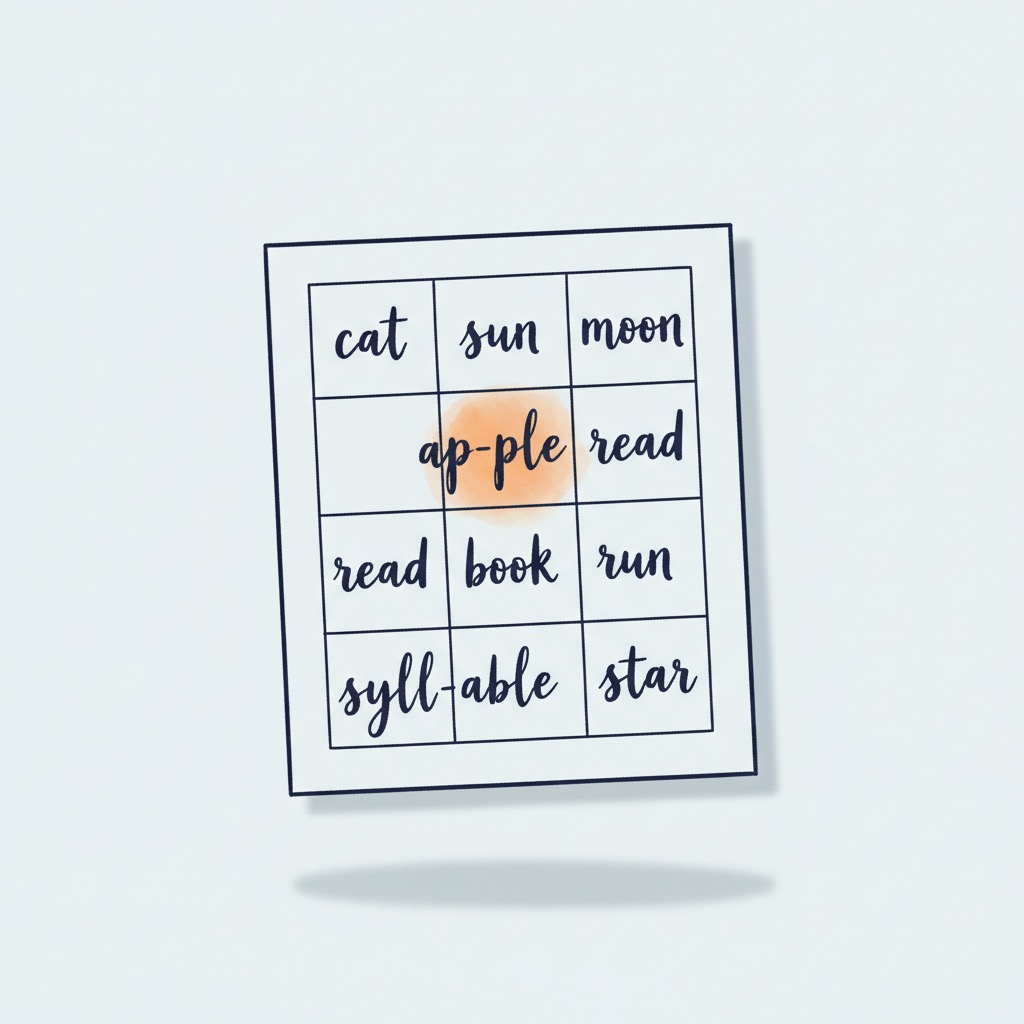
Open the Worksheet Generator, paste a short list of words, and print a clean syllable grid for offline practice.
An adult reader at the end of a long day
Open the Reading Tool, paste a long article, switch to a soft cream background and turn line tracking on. The eye holds the line without effort, comprehension stays steady, you finish the article instead of giving up halfway.
Decoding by eye is exhausting today
Open the Text-to-Speech tool, paste the chapter or article, and listen at a speed that feels comfortable. Hearing the words while they stay on screen lets the reader follow along without carrying the full decoding load.
A child is practicing handwriting or letter formation
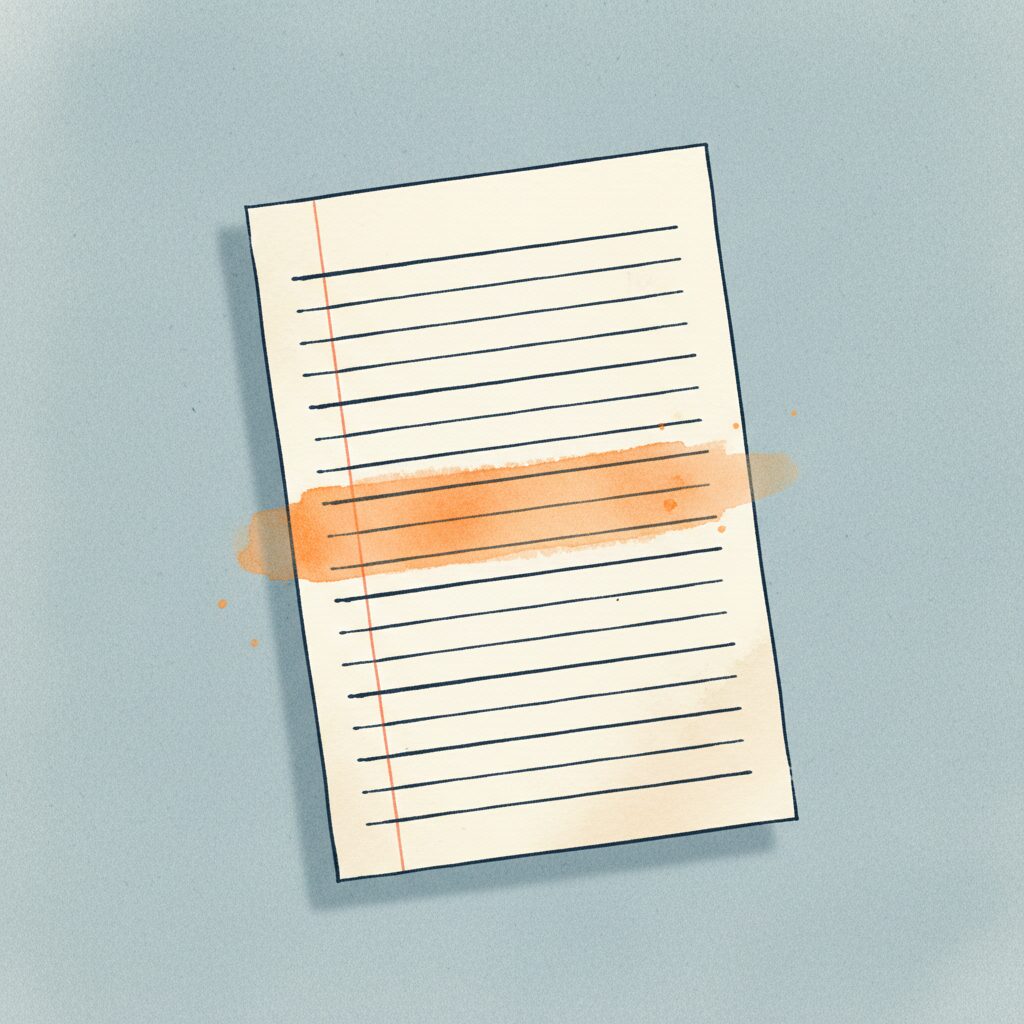
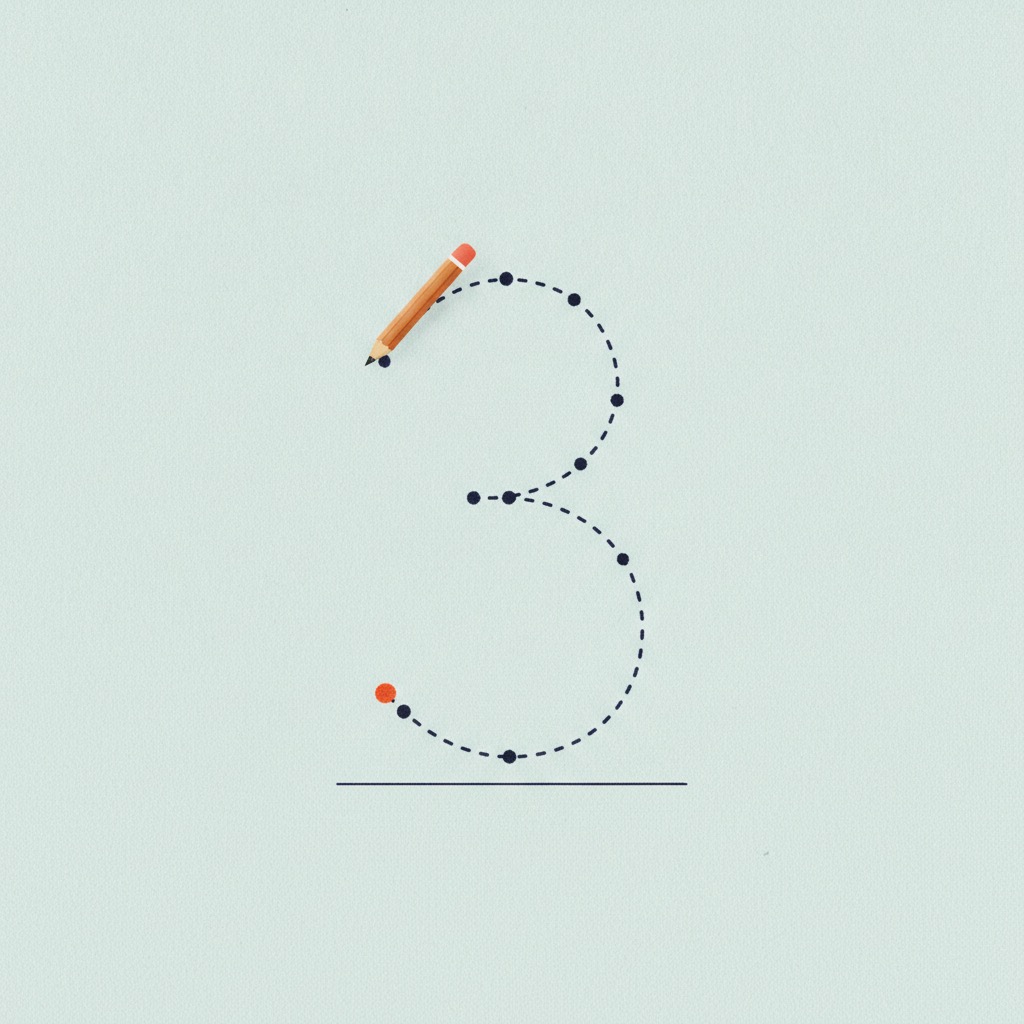
Open the Writing Paper tool, pick lined, dotted, or grid paper with spacing tuned for dyslexia and dysgraphia, then print it or export a PDF. The right guide lines make forming each letter less of a struggle.
A child freezes at a crowded page of math
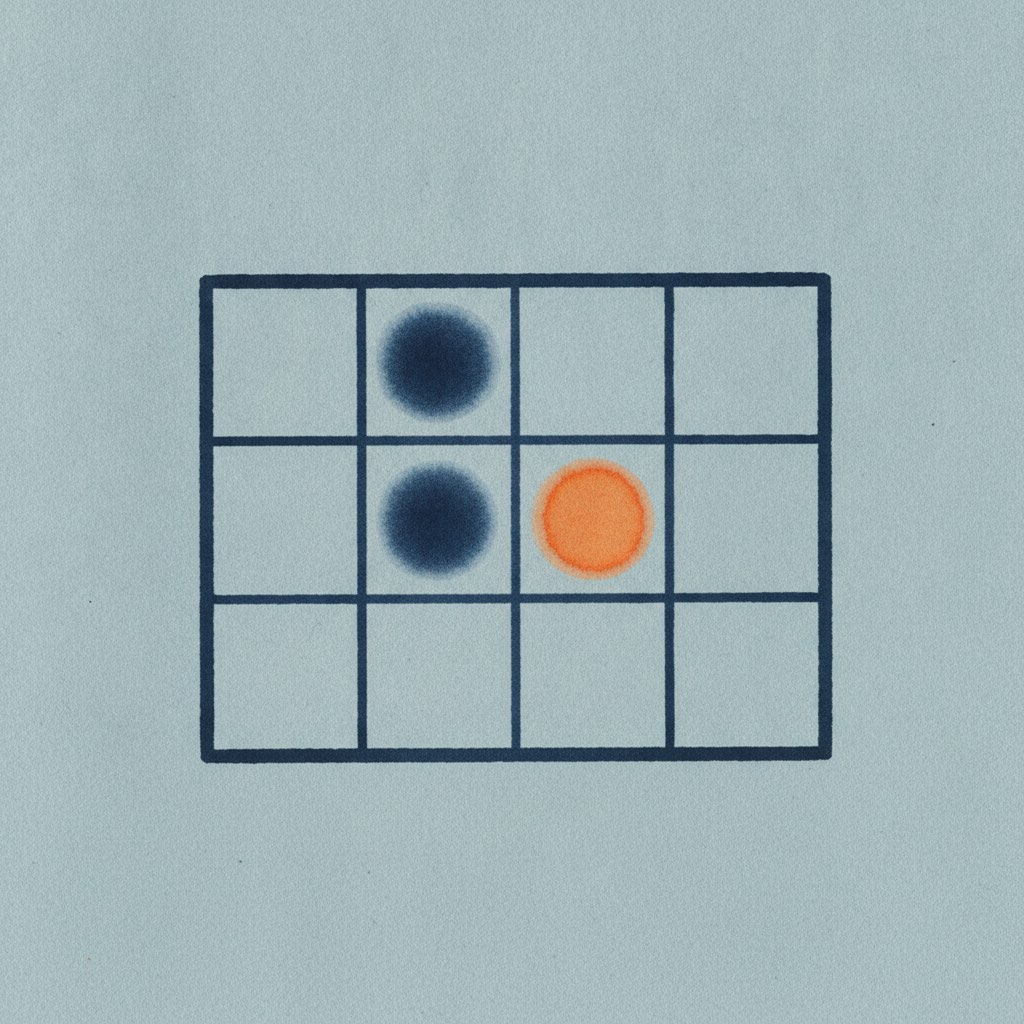
The Math Worksheet generator gives plenty of space and one operation at a time, tuned for dyscalculia, and the Multiplication Grid turns times tables into a colorful pattern instead of facts to memorize.
An afternoon with no clear shape feels overwhelming
The Visual Schedule turns the day into a predictable picture sequence, the kind of structure that helps children who need predictability, common with autism and hyperlexia, feel safe.
All tools

















Coming Soon

Customizable Reading Environment
Coming SoonPersonalize font, color, and spacing settings to create your ideal reading experience.
Why these tools help
A learning difference is rarely a single problem. It is a stack of small frictions that add up over a day: a long reading passage, a crowded page of math, an afternoon with no clear shape. Each friction is small on its own, but they compound. The right tool does not change how a child thinks. It changes the task so the task works with the child.
+ Read more
Reading with dyslexia is a clear example. The eye loses its place between lines. The brain spends extra time on each word, leaving less for the next. Dense black text on bright white paper produces glare that makes letters seem to swim. A dyslexia friendly reader changes the page instead: larger font, wider line spacing, a softer background, and line tracking that prevents the most common interruption, skipping a line and re-reading the same one. Printable practice sheets, split by syllables or words, replace a wall of text with a clean grid.
Numbers bring their own frictions. For a child with dyscalculia, a crowded worksheet is overwhelming, and times tables feel like facts to memorize with no pattern to hold onto. Tools built for dyscalculia do the opposite: plenty of space, one operation at a time, and visual patterns that make quantity and sequence something a child can see, not just recall.
And reading early is not the same as understanding. A hyperlexic child may decode far above their age yet still need support bridging the words to their meaning, along with predictable routines to feel safe. Visual schedules and comprehension supports meet that need calmly, without pressure.
Research from the International Dyslexia Association and several peer reviewed studies on visual stress confirm that these adjustments are not preferences. They are accessibility settings that meaningfully reduce the cognitive cost of learning. Understanding stays at least equal, often better, because the child is not spending energy fighting the task.
Frequently asked questions
+Are the Kindlexy tools free?
+Where does my text go when I paste it?
+Do the tools work on phones and tablets?
+What ages are these tools designed for?
+Do I need a dyslexia diagnosis to use them?
+Which languages are supported?
Continue reading
Daily ways to support a dyslexic child at home
Small daily practices that fit into a normal family routine.
Structured literacy: an evidence based reading approach
The six components of the reading method most strongly backed by research.
What is dyslexia? What every family should know
A calm, evidence based introduction to dyslexia for parents who are just starting.